
AI rap video generator
Turn your photo into an original rap video
Bopframe is an AI rap video generator that turns a photo into a lip-synced rap with an original verse and beat. It never uses existing songs.
Who's rapping

Left mic
mia.jpg

Right mic
jay.jpg
What's it about
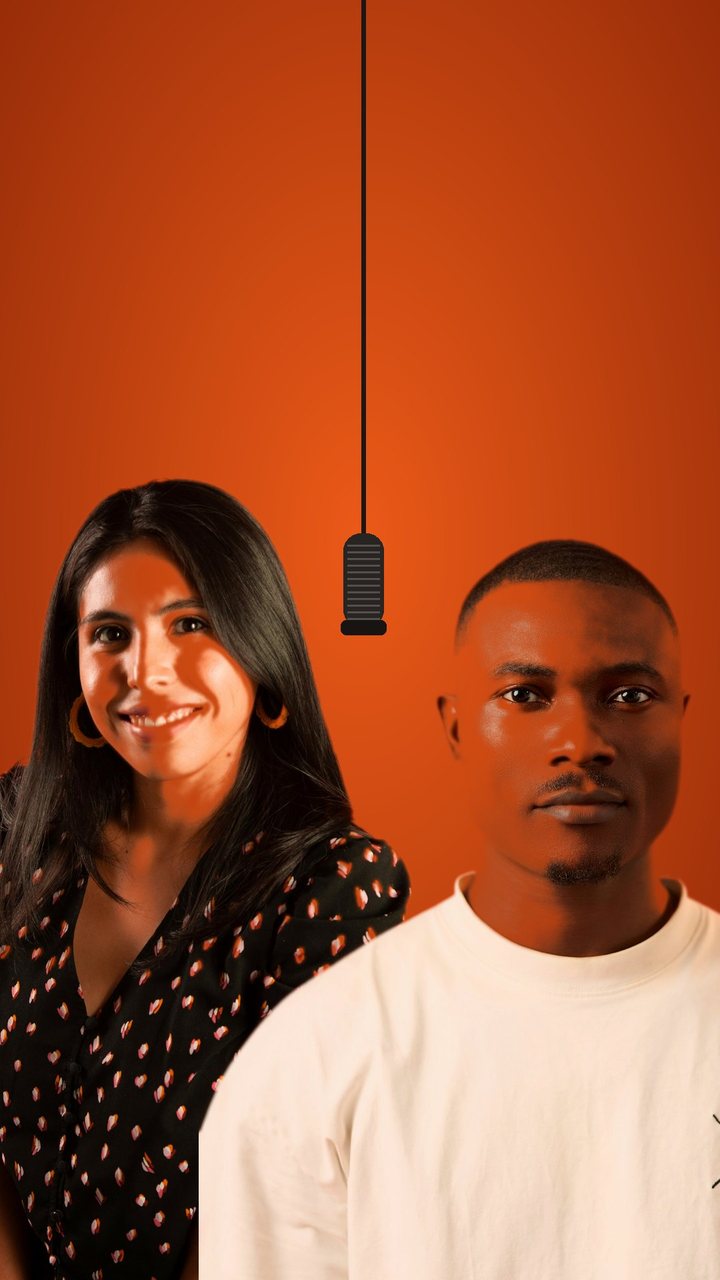 Original song
MiaThirty candles and the cake's on fire
JayCircle the block till the meter expires
Mia & Jay, Birthday
AI rap videos made on Bopframe
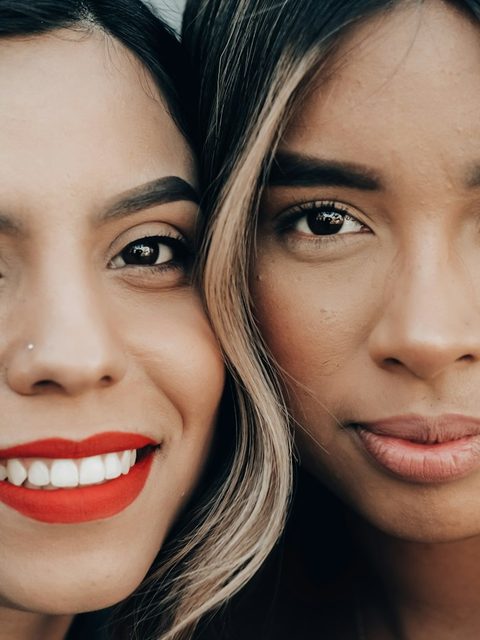
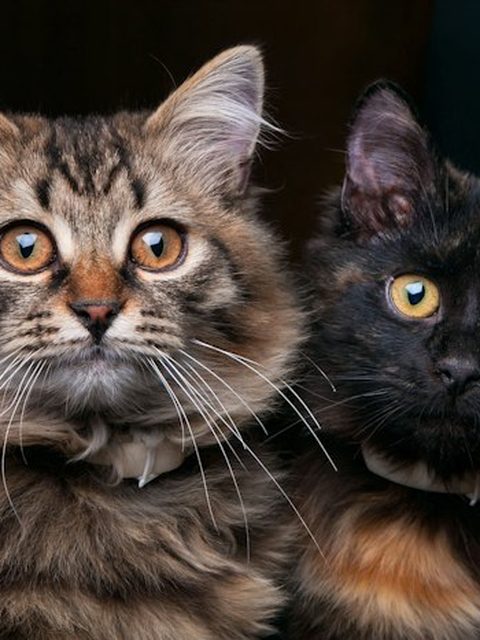
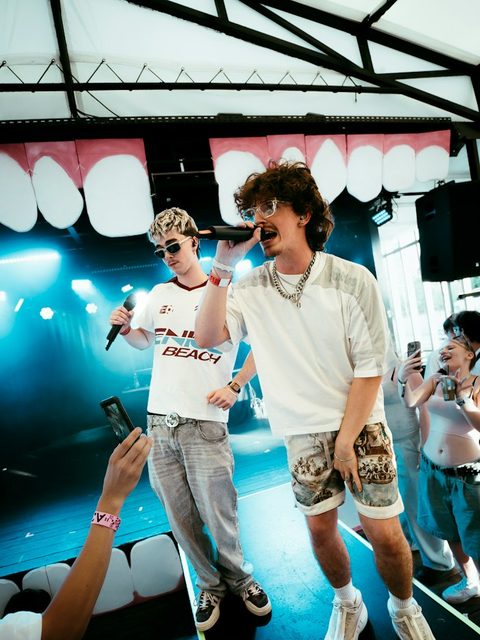
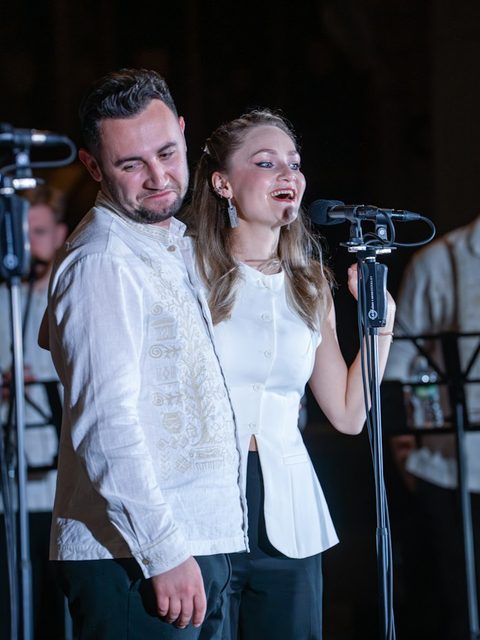
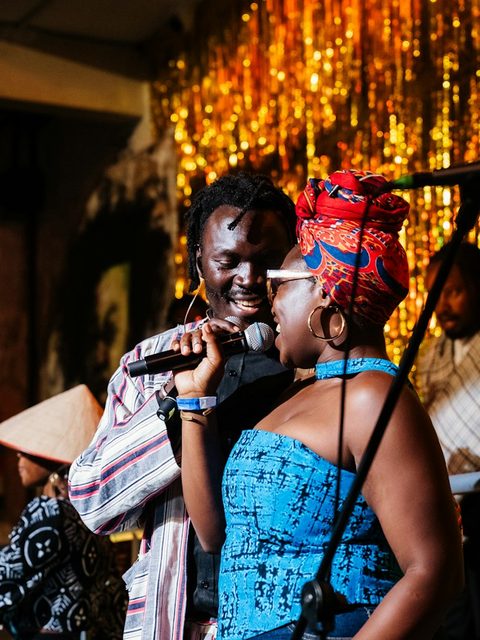
What people make with an AI rap video maker
Birthday rap
A verse about the birthday person instead of another card.
Try: “Jay turns 30 and still can’t parallel park”
Best-friend duo
Two friends trading bars in the orange booth, ready for the group chat.
Try: “Mia and Sam have been late to every brunch since 2019”
Friendly roast
For someone who is in on the joke and will laugh first.
Try: “Dad’s grill skills versus the smoke alarm”
Anniversary or toast
A short tribute to play at the party or post the morning after.
Try: “Ten years, two kids, one argument about the thermostat”
Bopframe at a glance
- What it is
- An AI rap video generator, also called an AI rap video maker: it turns photos into a short rap performance with an original song.
- What you add
- One or two photos with one clear face each, and a line about what the rap should say and, if you like, where it happens.
- What you choose
- Solo or duo, the occasion, and optionally your own lyrics.
- What you get
- A vertical 9:16 MP4 with a new verse, beat, rap vocals and lip-sync on every face.
- Length
- 5–30 s
- Music
- Generated for each video. No existing songs, samples or artist voices.
- Free use
- Your first video is free when you sign in with Google, up to 15 seconds long
- Where it runs
- In the browser on phone or desktop. Nothing to install.
- Models
- Seedance 2.0 Mini by ByteDance, Seedance 2.5 by ByteDance
How do you make an AI rap video?
Add one photo or two
One clear face per photo: you, or adults who agreed to be in it.
Say what it's about
Pick the occasion and add a line about them. Name a place and the video is set there. The line becomes the verse, or paste lyrics of your own.
Get your rap video
The AI rap video generator makes the beat and vocals and syncs every face. Download and post.
Formats
Solo rap
One photo, one verse, straight to camera.
Rap duo
Two photos, two voices trading lines on one mic.
Pet rap
Your cat or dog finally gets a verse.
Character rap
Characters you drew or own, with a new verse and moves.
Tips for a better AI rap video
- Use a clear, front-facing photo: one face, good light, nothing covering the mouth.
- For a duo, crop both photos the same way, head and shoulders works best.
- Give the verse specifics. “Jay still can’t parallel park” raps better than “Happy birthday Jay”.
- Spell unusual names the way they sound so the vocals say them right.
- Lines with fewer syllables give cleaner lip-sync than dense, fast bars.
AI rap video generator or AI music video generator?
| AI rap video generator | AI music video generator | Filming it yourself | |
|---|---|---|---|
| Starts from | Photos and a topic | Your finished song | Your camera and a trend template |
| Music | A new song made for the clip | Your own track | The template’s or a licensed track |
| Best when | Funny, personal clips of you and friends | Musicians who need visuals for a release | Performing it yourself, in person |
| Not ideal when | Promoting a track you already finished | People who don’t have a song yet | Friends who aren’t in the same room |
House rules
Only faces that said yes
Good for
- Birthdays, anniversaries and inside jokes with friends who are in on it
- Short vertical clips for the group chat, TikTok, Reels and Shorts
Not for
- Celebrities, public figures, anyone under 18 or anyone who didn’t agree
- Copying a real artist’s voice or an existing song
- Turning a track you already have into a music video
Know before you start
- Every take from an AI rap video generator is different, and a face may not look exactly like the photo.
- The rap voice is generated by AI; it is not the voice of the person shown.
- Videos may carry an AI-generated label. Keep it when you post.
FAQ
What is an AI rap video generator?
A tool that turns photos and a short prompt into a video of people rapping. Bopframe writes the verse, makes the beat and the rap vocals, and lip-syncs each face, so you get a finished clip instead of a song you still have to animate.
How do I make the AI rap video trend with a friend?
Open the AI rap video generator, pick Duo, add a photo of each of you and a line about the two of you. Add “in an orange booth” to the line for the original look. Bopframe writes a new song for the clip; it does not copy the track or the moves from the viral original.
Is the AI rap video generator free?
Your first video is free when you sign in with Google, up to 15 seconds long. Prices are shown before you pay, and a video that fails or is blocked after it starts gives its credits back automatically.
Can AI write the rap too?
Yes. Leave the lyrics empty and the AI rap video generator writes an original verse from your topic, the occasion and the names you give it.
Can I use my own lyrics?
Yes, up to 800 characters. Paste lyrics you wrote or have the rights to; lyrics from existing songs are not allowed.
Can I upload my own song?
No. Bopframe is an AI rap video maker that makes the song for you. If you already have a finished track and want visuals for it, an AI music video generator is the better fit.
Can I make an AI rap video of a celebrity or a famous rapper?
No. Photos of celebrities, politicians and other public figures are not allowed, and neither are requests to sound like a real artist. Use photos of yourself and adults who agreed.
Can I post the video on TikTok, Reels or YouTube?
Yes. You own the videos you make, subject to the rights of the people in them. Label the post as AI-generated and take it down if someone in it asks you to.
Will the beat get a copyright claim?
Every beat and verse is generated for your video, and Bopframe never uses existing songs or samples. Platforms run their own automated matching, so no tool can promise how a platform will classify a clip.
What happens to my photos?
They are used only to make your video, never to train AI models, and deleted 30 days after upload. We do not build face templates.
Do I need an app?
No. Bopframe is a web-based AI rap video maker: it runs in the browser on your phone or computer, and you download the finished MP4.
Somebody you know deserves a verse
Make the rap videoLast updated October 26, 2026 · Models: Seedance 2.0 Mini by ByteDance, Seedance 2.5 by ByteDance